Press kit
Keysi, for writers and reviewers
At a glance
- Name: Keysi
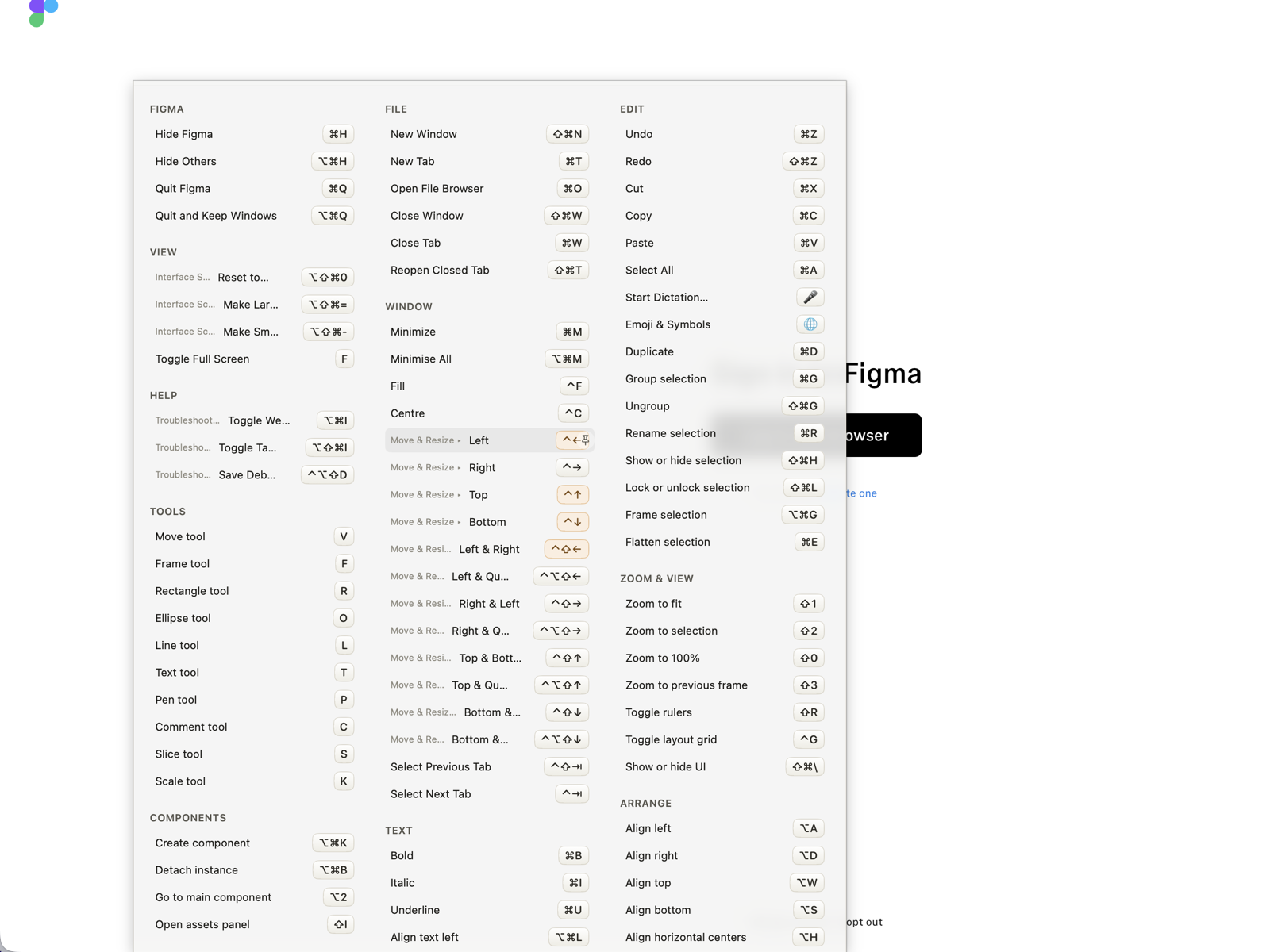
- One-liner: Hold ⌘ for a moment and see every keyboard shortcut of the app you're using, grouped by menu, with real key glyphs, click any row to run it.
- Platform: macOS 14 or later
- Price: the app is free, with no time limit, account or card. Keysi Pro is $14.99, one-time: the coaching (Shortcut Coach, unlimited Practice Mode with spaced repetition (one drill a day is free), suggested shortcuts for commands that have none, “New” marks on the shortcuts an app update added, measured progress, a weekly summary, progress marks on the overlay), desktop-picture export and the integrations (Raycast, Alfred, Shortcuts, Spotlight and Siri, a Services entry, the
keysi terminal command, keysi:// URLs). Markdown and PDF export, and showing an app's shortcuts from Raycast, Alfred, Shortcuts or the terminal, are free. You get 14 days of Pro once you grant Keysi access, and when they end the app keeps working as the free tier.
- Languages: 17: English, Spanish, French, German, Italian, Portuguese (Brazil), Japanese, Korean, Simplified Chinese, Traditional Chinese, Dutch, Swedish, Danish, Norwegian, Finnish, Polish, Hindi
- Distribution: direct download, signed with a Developer ID and notarized by Apple; not on the Mac App Store
- Developer: Manuel Lorenzo
Description (100 words)
Keysi is a macOS menu-bar app that shows and runs the keyboard
shortcuts of whatever app is in front. Hold ⌘ for a glance, or press a
hotkey for a searchable panel. It reads the app's real menus live
through the Accessibility API, so every shortcut matches that app in
that state, dimmed when unavailable and flagged when macOS intercepts
it first. Coach mode notices when you pick a menu command that has a
shortcut and shows one quiet reminder. Seventeen languages. An independent
alternative to CheatSheet, which was discontinued on Sonoma. The app is
free; $14.99 once adds coaching with spaced-repetition drills,
desktop-picture export and integrations.
The one line every writer should have
Not affiliated with Media Atelier. Keysi is a new app on the same
public accessibility API and shares no code with CheatSheet.
Assets
Direct links, free to use in coverage of Keysi. Most PNGs are 1600 × 1200 at 2× (Coach, Practice and Raycast are smaller);
each has a smaller WebP beside it.
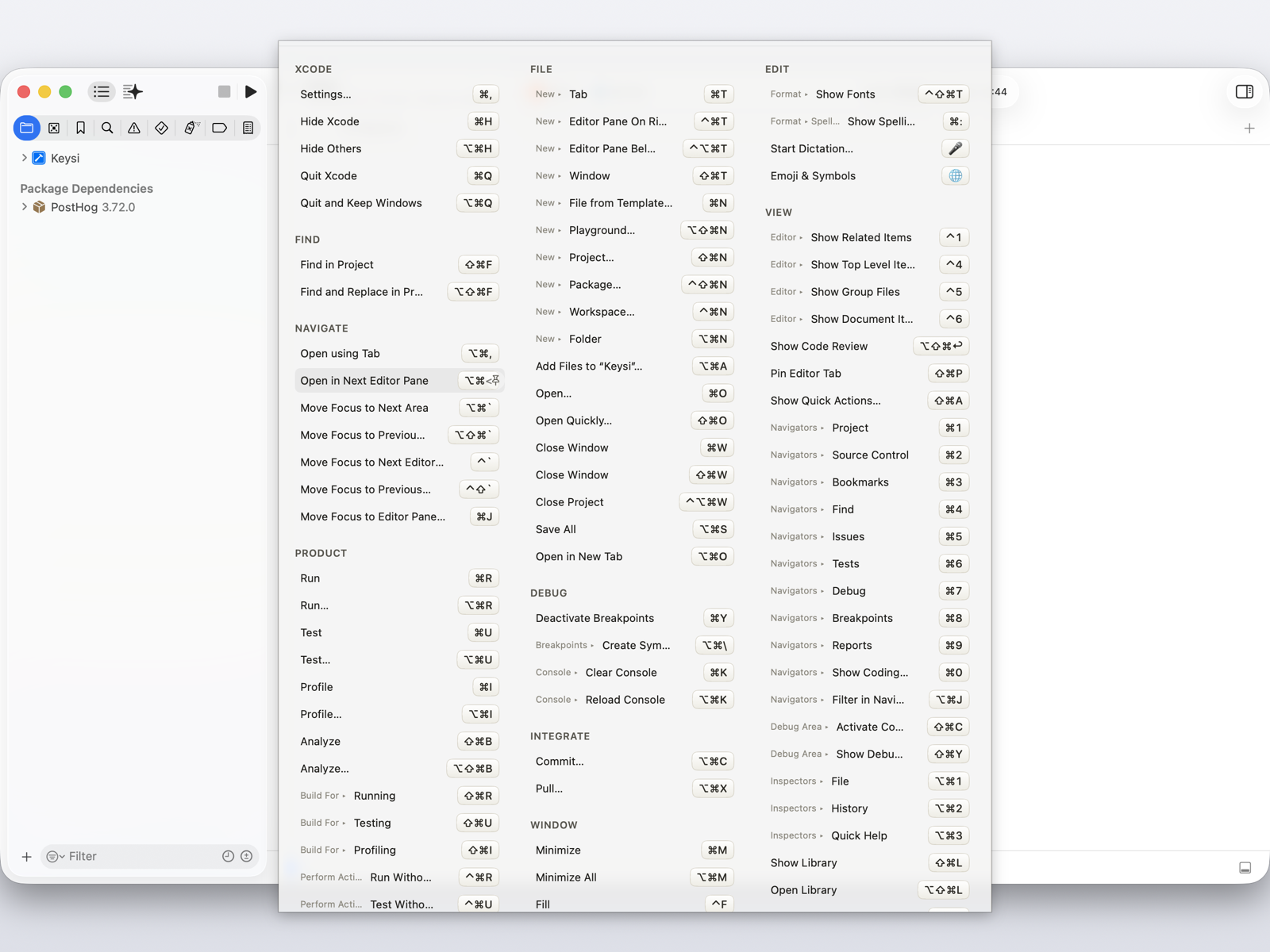
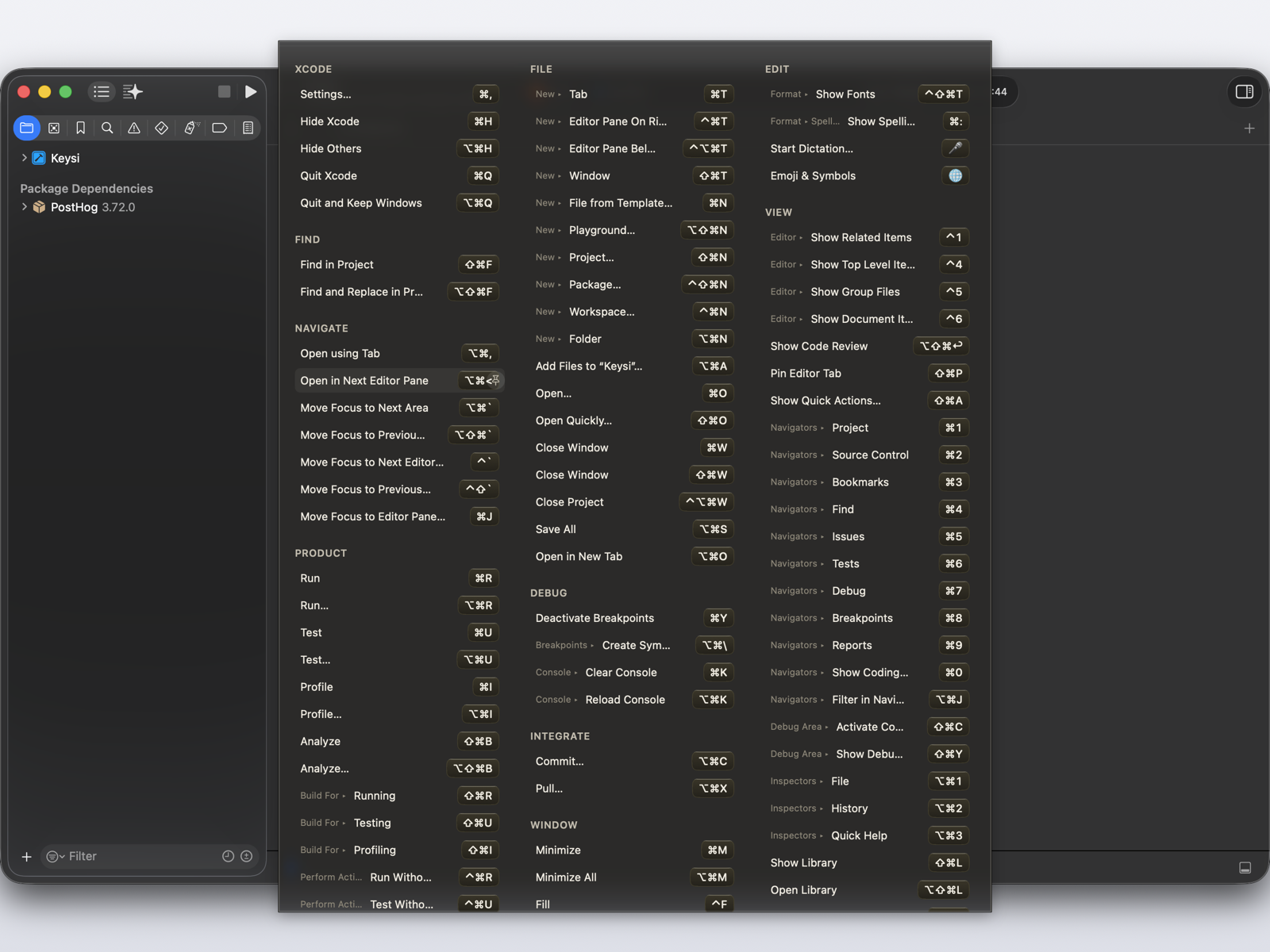
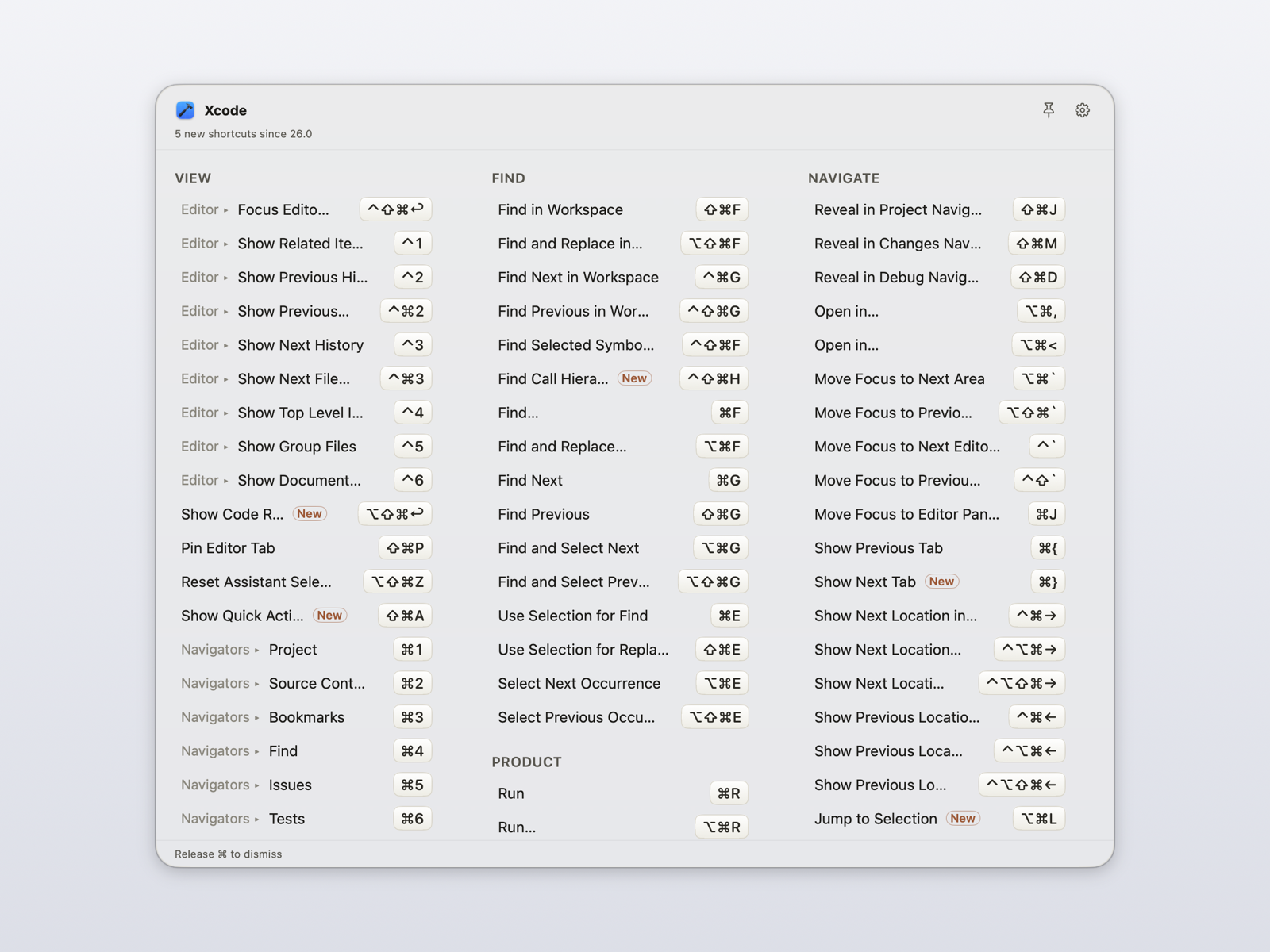
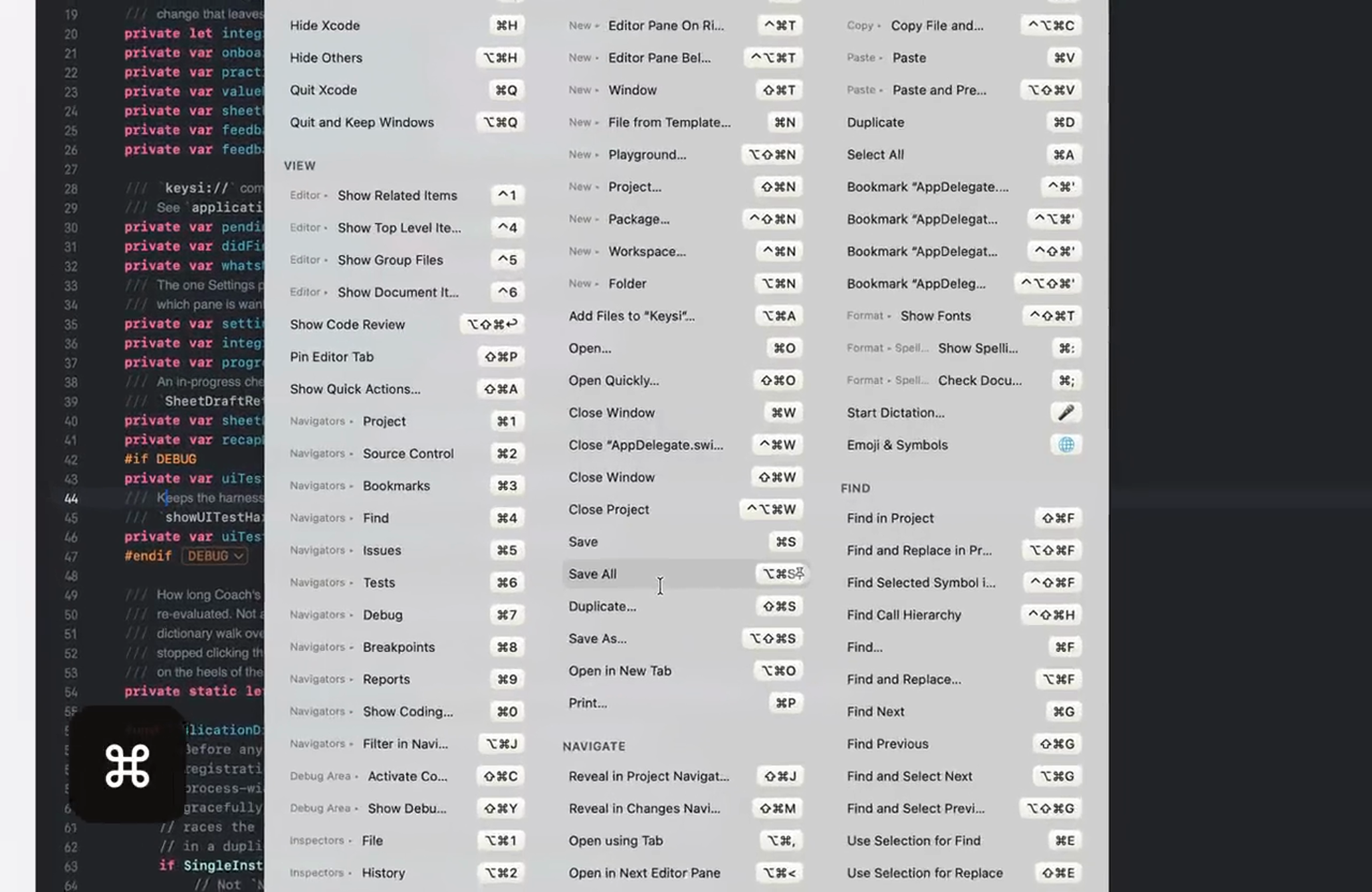
- Overlay over Xcode: shortcuts grouped by menu, with a submenu breadcrumb and a dimmed unavailable row (dark)
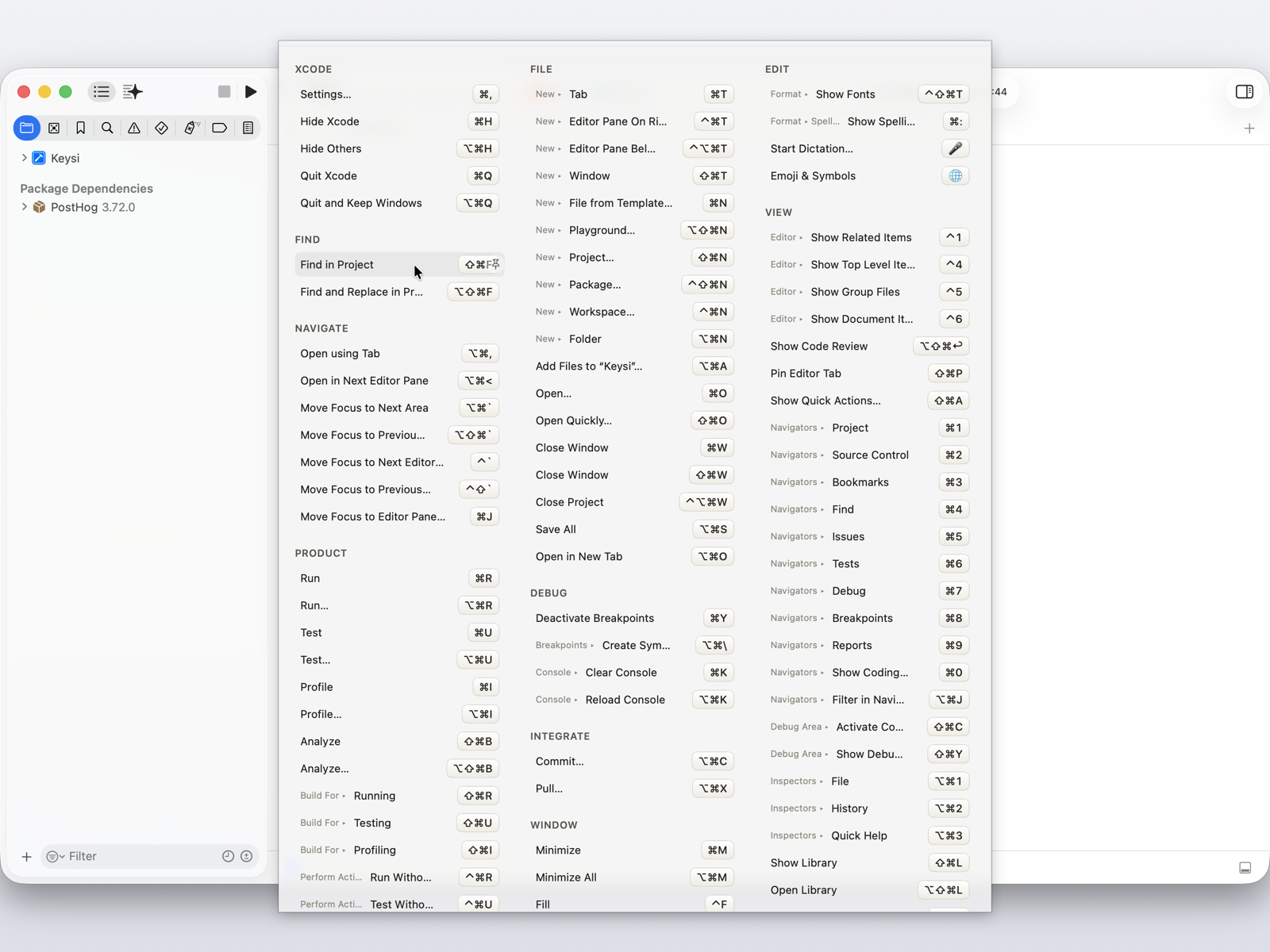
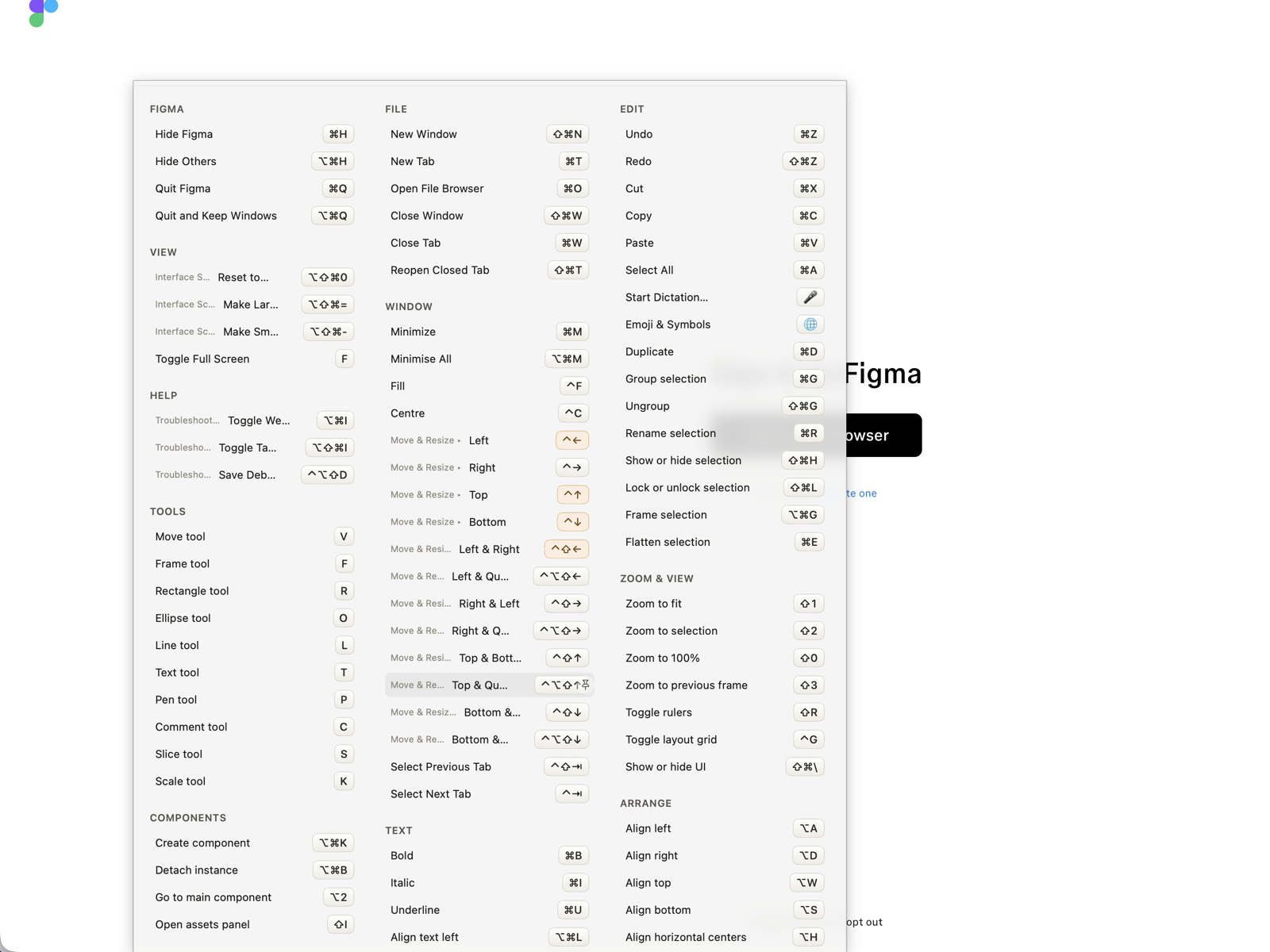
- Click-to-run: the cursor on a highlighted row, about to fire that menu command
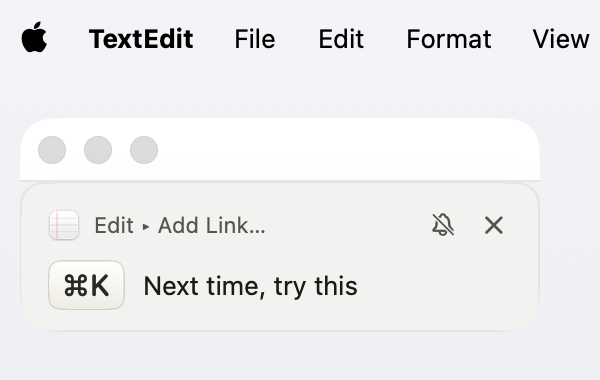
- Coach mode: the one-time reminder naming a command you just picked by hand, and its shortcut
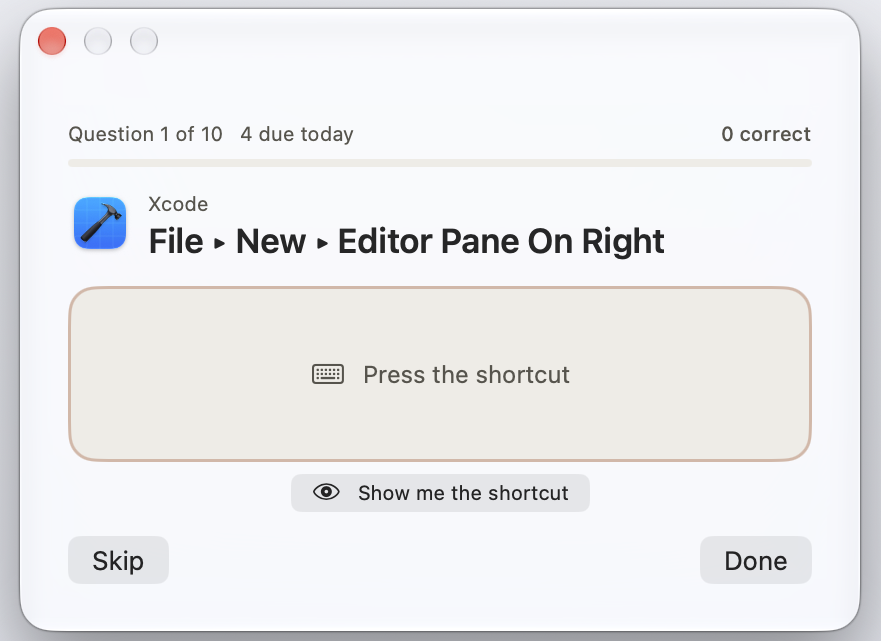
- Practice Mode: a drill on Xcode's menus, with the shortcuts due for review today counted at the top
- "New" marks: after an app update, the overlay badges the shortcuts it added and says how many since which version
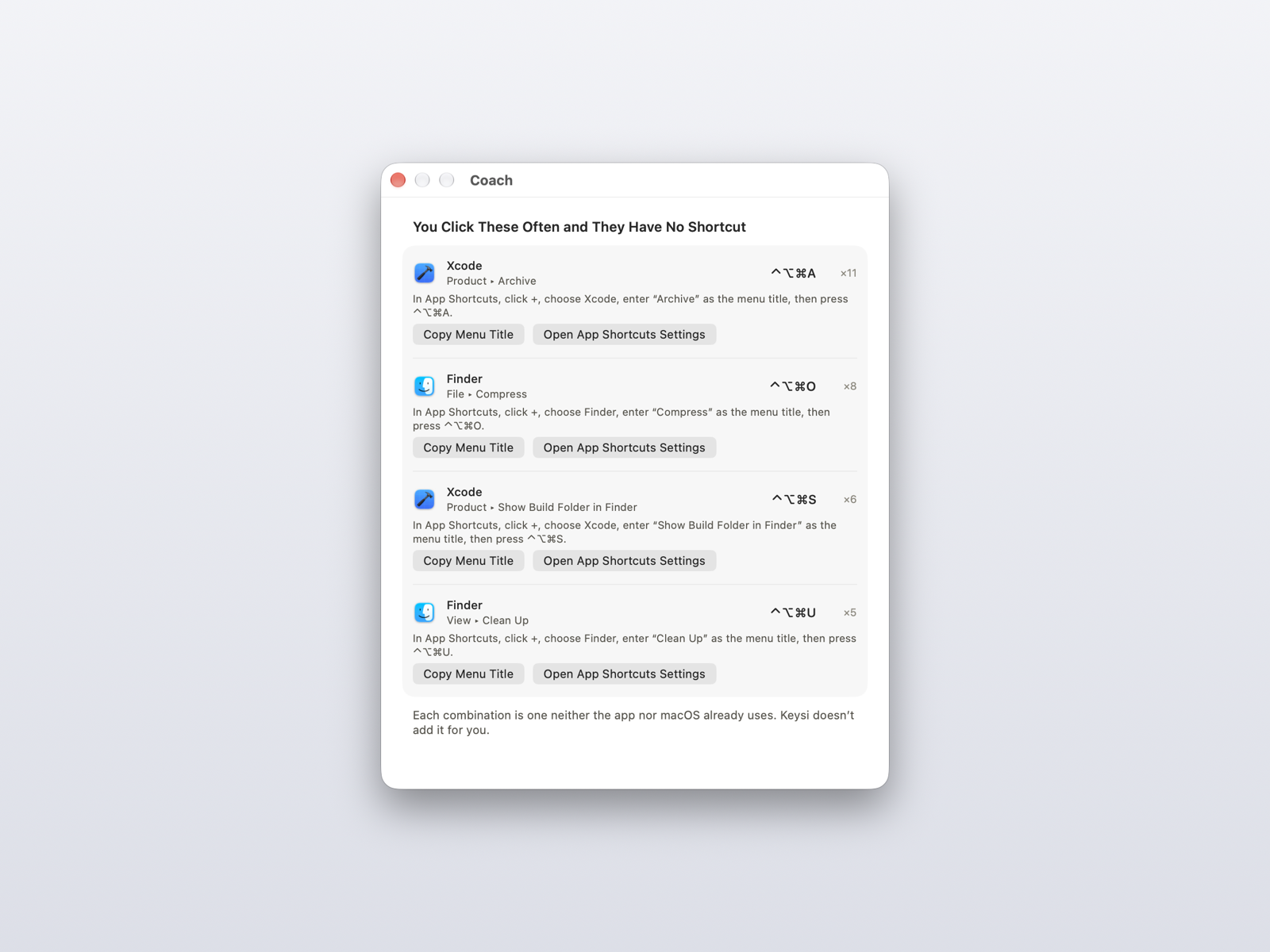
- Shortcut suggestions: Settings › Coach naming commands clicked often that have no shortcut, a free combination for each, and where to add it
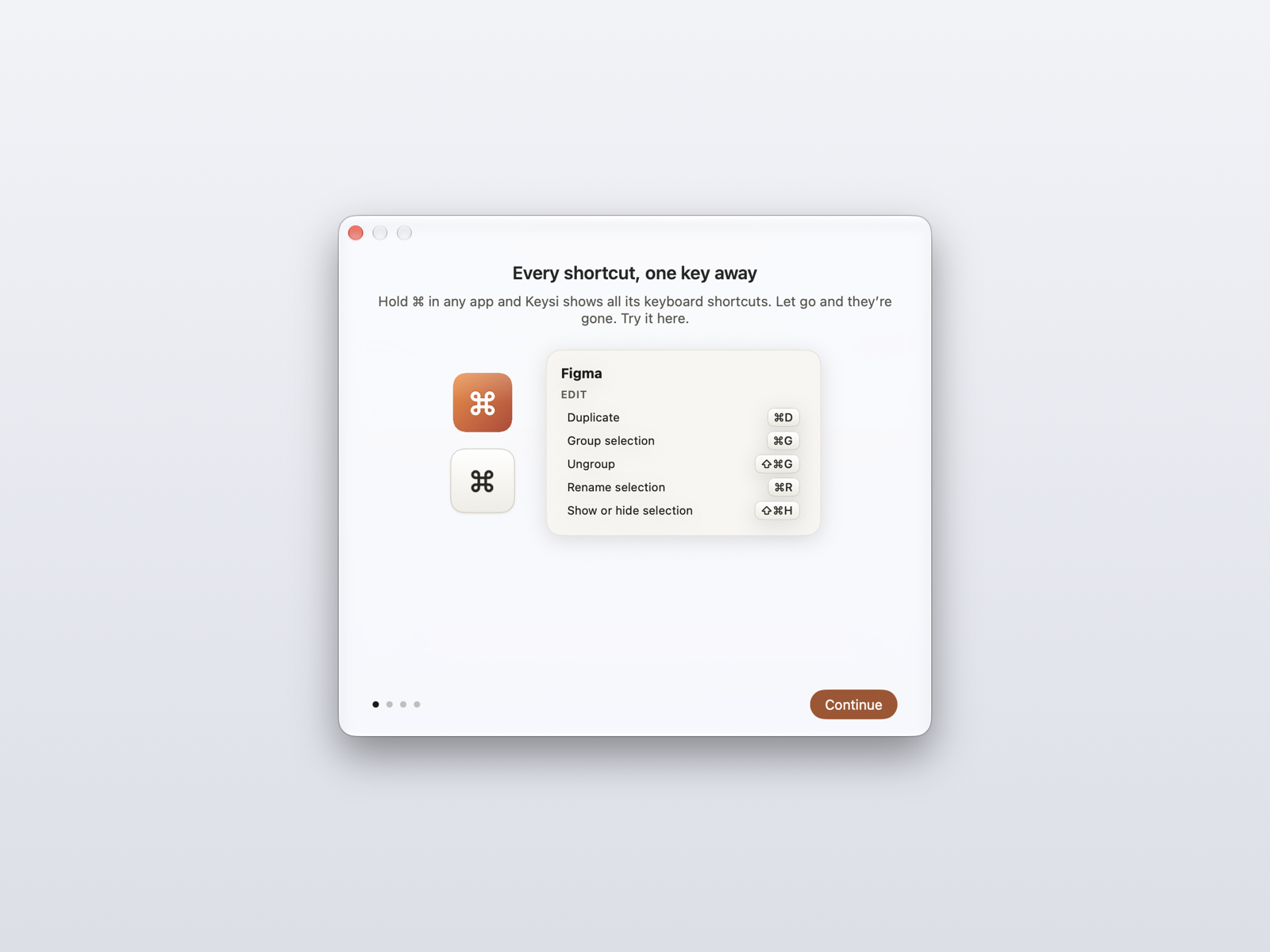
- Welcome: the first-run window's live demo, before any permission is asked for
- Interception warning: keycaps tinted where macOS itself claims the combination
- A custom cheat sheet: Vim's own motions, detected inside a terminal
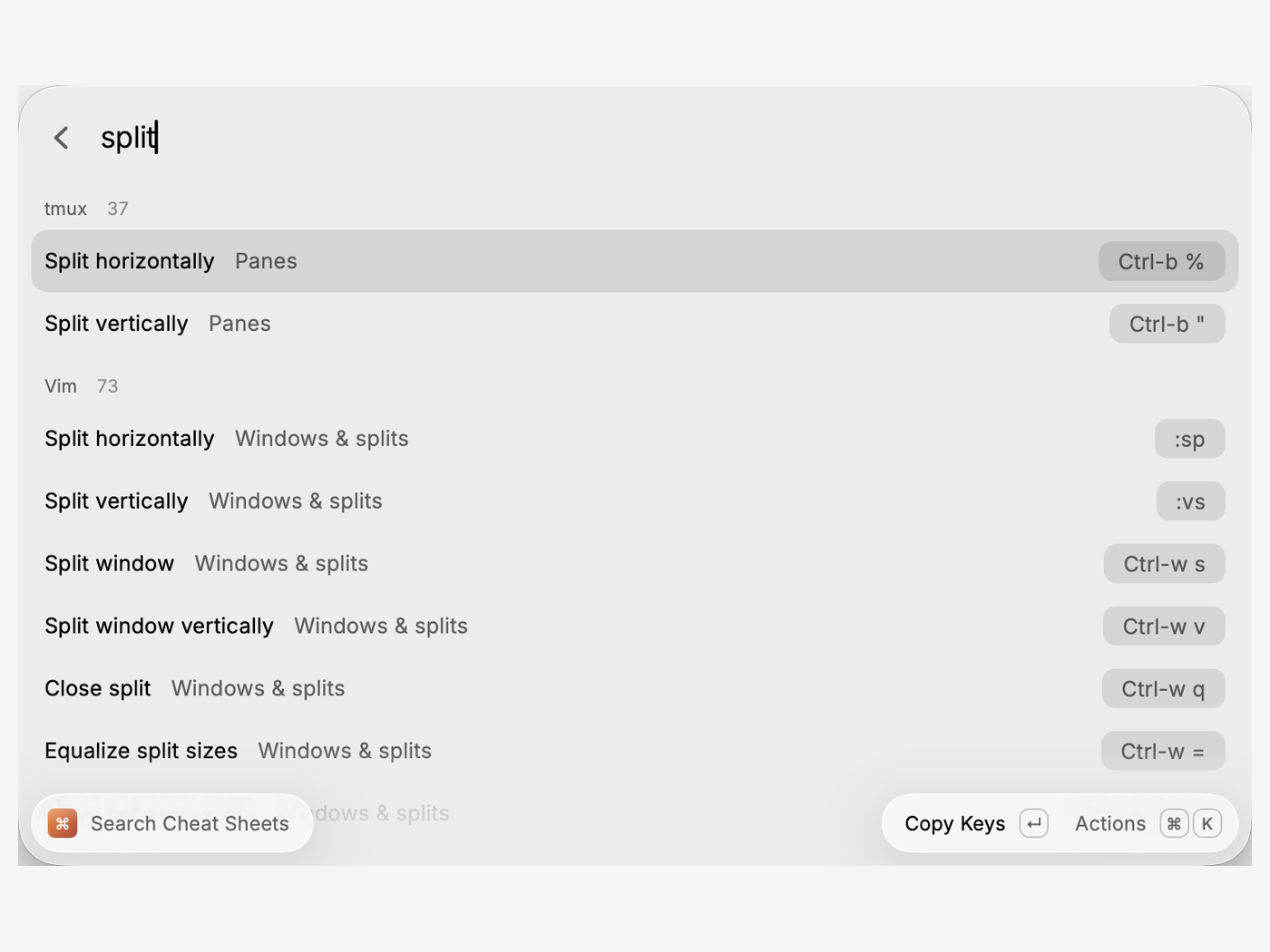
- The Raycast extension: one search returning tmux and Vim shortcuts together
- Demo clip, 12 seconds, silent, looping: MP4 · WebM · still frame
- App icon: 256 px PNG · SVG
No zip archive yet. If you need a different crop, size, or a shot of
something not here, ask and I'll take it.
Links
Contact
For interviews, review copies or anything else, email
support@keysi.io. I answer
myself.